Try the free Textorio demo
Try Textorio's opening factory loop before buying: gather resources, smelt plates, bring power online and start automating. The free demo is available from the game's Steam page.
Choose “Download Demo” on the store page. The paid Early Access game is a separate purchase.
Install and start the demo
- Open the Textorio Steam page and use its Download Demo option.
- Install through the Steam client on a supported Windows PC.
- Launch the demo and begin a single-player game.
- Follow the opening objectives. If your first grid stays dark, check the transformer as well as water, coal and steam.
The beginner guide walks through the opening production steps. You do not need to understand every advanced system before starting.
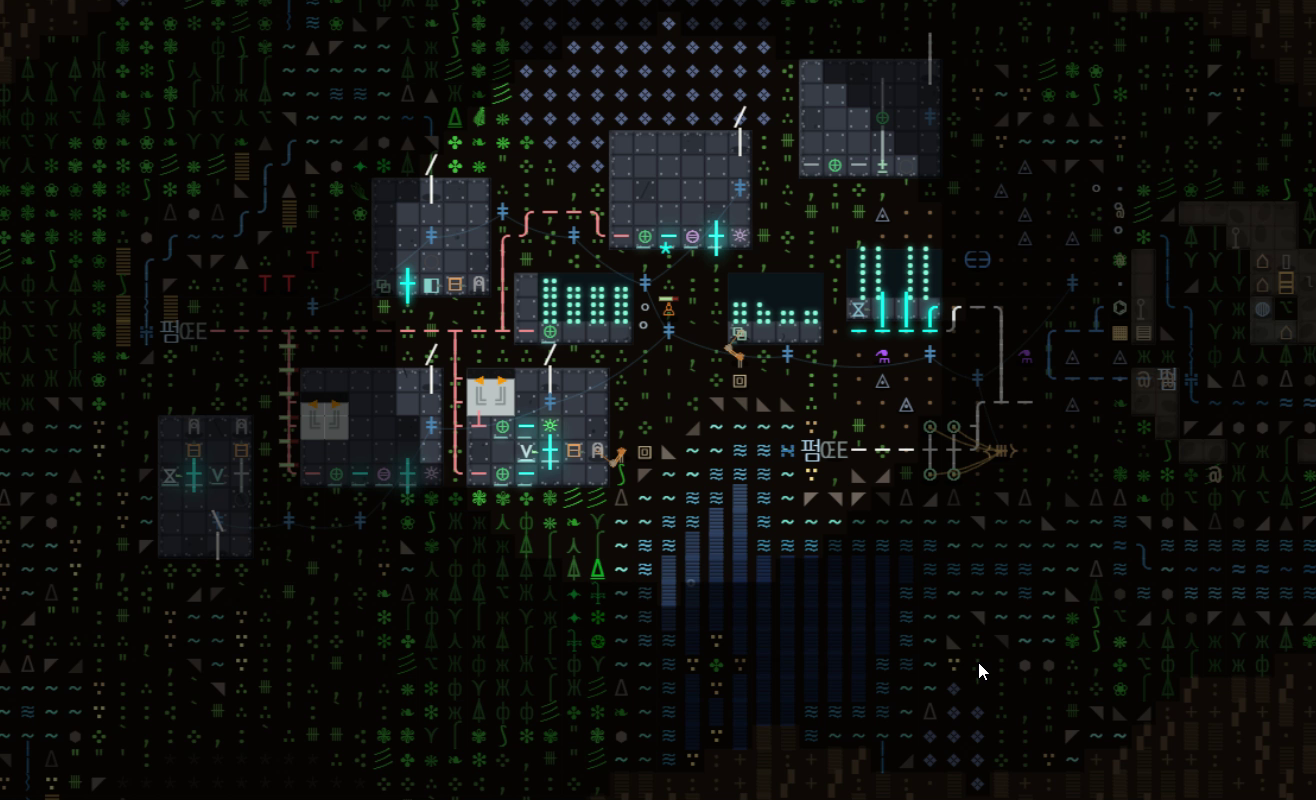
Demo versus paid Early Access
The table describes the current demo and release configurations. Your installed version's menus and Steam update notes are the best check for changes.
| Feature | Free demo | Paid Early Access |
|---|---|---|
| Single-player opening | Included | Included |
| Research | Early game, capped at tier 2 | Wider tree, with progression and layer requirements |
| Factory Wars | Locked | LAN 1v1 mode |
| Kepler Online | Locked | Shared-world mode, requiring online access |
| Orbital rankings | Browsing is permitted; submissions are restricted | Online features depend on server availability |
| Finished four-layer campaign | Not included | Still unfinished in the current build |
Early Access currently focuses on the surface game, with the caves serving as its closing scene. The completed deeper descent is planned content. Buying Early Access means buying the current version while development continues.
Can your PC run it?
The published Steam minimum specification lists a 64-bit Windows 10 system, an Intel Core i3 or AMD Ryzen 3 equivalent, 2 GB RAM, Intel HD 4000 graphics or better, DirectX 10 and 500 MB free storage. These are compatibility requirements, not an FPS guarantee.
Use the demo to check the actual experience on your machine: readability, input response, frame rate and performance as you add machinery. For a more thorough checklist, see the low-end-PC guide.
What to try before deciding
- Inspect the starter buildings and learn the placement controls.
- Make a repeatable supply of iron or copper plates.
- Run a boiler and steam engine on a live transformer-rooted grid.
- Automate an item transfer with inserters and belts.
- Look at the research panel and consider whether the production puzzles interest you.
Compare the actual opening with what you enjoy in factory games. Textorio's text presentation and simulated pressure systems are central to the experience; the demo is the quickest way to see whether those choices suit you.
Common demo questions
Is the whole game free?
No. The demo is free; the Early Access game is paid. Check Steam for current regional prices and discounts.
Can I play the opening offline?
The single-player simulation runs locally. Steam installation and online features require their own connections; a server is not needed for the basic factory loop.
Does buying unlock every planned feature today?
No. Demo locks and unfinished Early Access content are different boundaries. The paid build opens more modes and progression, but planned deeper content still needs development.
Will a demo save transfer?
This guide does not promise automatic save transfer between demo and paid builds. Check the current release notes and keep a backup before changing versions.
What should I read next?
Use the beginner guide for the opening, the power guide for a stalled grid, or the Factorio comparison if you are choosing a game.
Availability and published minimum requirements: official Textorio Steam listing. Last checked 14 October 2026.