This guide separates the local campaign from optional network features. Steam installation, account setup and updates still need an internet connection.
What can you play offline?
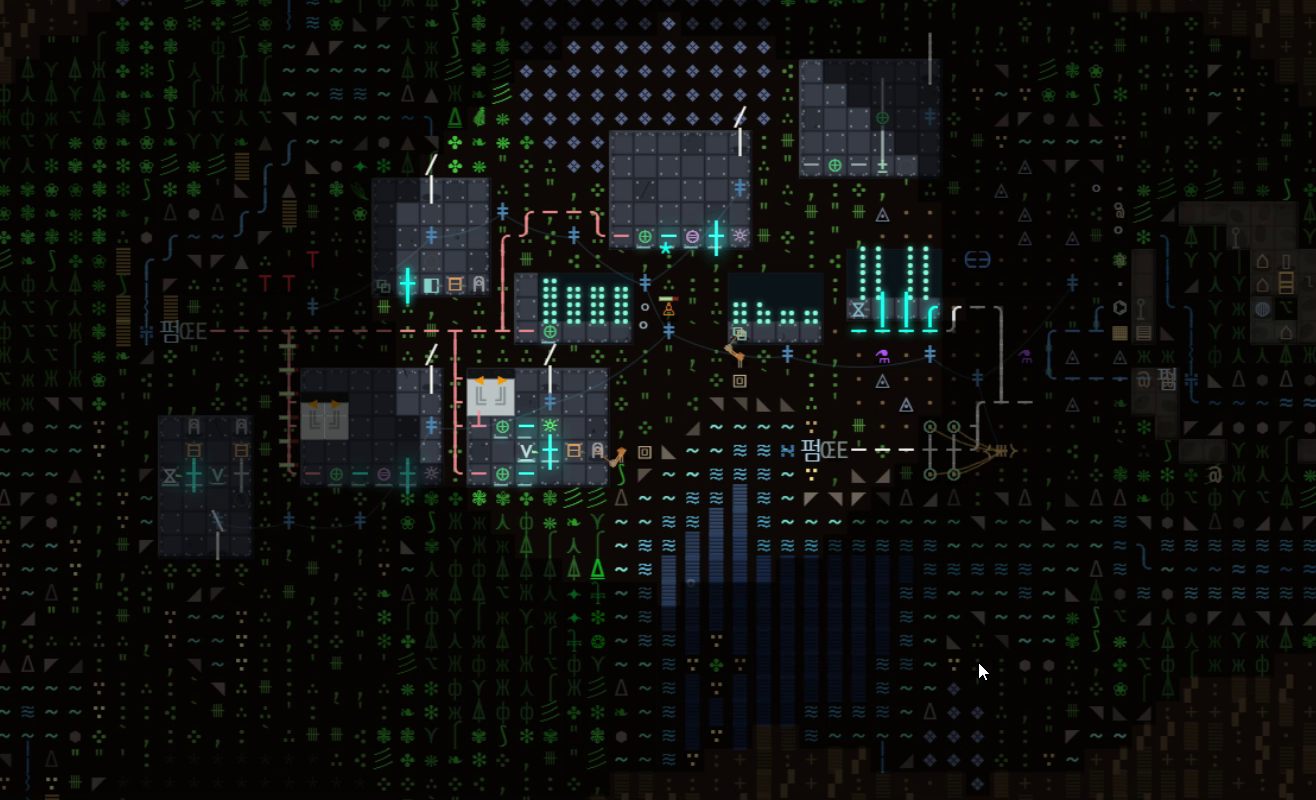
The core campaign is a local simulation: your machines, conveyors, electricity, fluids and colony supplies run on your computer. You do not need a shared server to make a furnace work or continue developing that factory.
That is useful if you want a game for an unreliable connection, a trip, or a quiet session away from online activity. Start with a local campaign and check that your save opens correctly before you leave reliable internet access. Offline play is a capability to verify on your setup, rather than something to discover at the departure gate.
| Activity | Connection needed? | What to expect |
|---|---|---|
| Single-player campaign | No constant connection | Local factory building and progression |
| Download or update the game | Yes | Prepare the installation before going offline |
| Share a colony on the web | Yes | Uploading and opening public pages use the network |
| Kepler neighbours and ghost towns | Yes, for shared features | The shared layer needs the Orbital service |
| Play with another person | A suitable connection | Separate from an offline solo campaign |
Prepare Steam before disconnecting
Follow Steam's official Offline Mode instructions for the current client. The practical preparation is short:
- Sign in online and finish downloading or updating Textorio.
- Launch the game online once and confirm that it runs.
- Keep the Steam login information needed for Offline Mode on this computer.
- Use Steam's Go Offline option, restart as prompted, then launch Textorio and load your local campaign.
Do that final test while you can still reconnect. If Steam needs an update or a sign-in check, solve it then. A local game simulation does not remove the client's installation and authentication requirements.
Keep your local progress easy to return to
Use the game's save controls and check the save you intend to continue before a long offline session. If you play on more than one PC, make sure the correct progress is already on the computer you are taking. Synchronization between computers is a separate step from saving locally.
Kepler Online also has its own save, separate from campaign saves. If you are exploring that mode, read the Kepler guide before starting another landing. Use Continue to return to the planet you already saved.
Outposts in Kepler are not a promise of idle progress while the application is closed. Plan a disconnected session around playing the game, rather than expecting a remote factory service to keep producing on your behalf.
Offline does not mean lightweight in every situation
Network requirements and hardware requirements are different questions. Textorio draws the world with characters, but still simulates a working factory. A larger network of machines has more work to do than the first furnace in a new save.
If you are choosing a game for an older laptop, check the low-end PC guide and the current requirements on Steam. Test the demo on the actual computer you plan to use. A visual style alone cannot guarantee performance, battery life or compatibility with every device.
The current Steam release targets Windows and uses an English interface. Do not assume that offline support also means a native macOS or Linux release.
A good first offline project
Give yourself one visible goal: make a small line that can keep supplying a useful item. Inspect the source, its transport, and the destination. Press K and point at a tile when you need to identify what a glyph represents.
When the line stops, work backward from its output. Is storage full? Is an input missing? Did the power supply change? The belt guide and power guide give you a checklist without needing a live conversation or an online match.
Your next factory starts here
Try it. Build something of your own.
See how Textorio feels to play, then decide whether to make the full game your next factory.
The free demo and paid game are available from the Textorio Steam page.